 Maintlytics
Everything maintenance needs, from one set of work orders.
Every screen below is the real app running a made-up demo plant.
What needs you, first thing.
One screen for the start of the shift: this week's KPIs against target and the short list of things that need a decision today.
- Schedule and PM compliance, proactive vs reactive, aging correctives, rework
- Parts past their ETA, high-priority work still in planning, schedules coming due
- Worst machines of the last 30 days
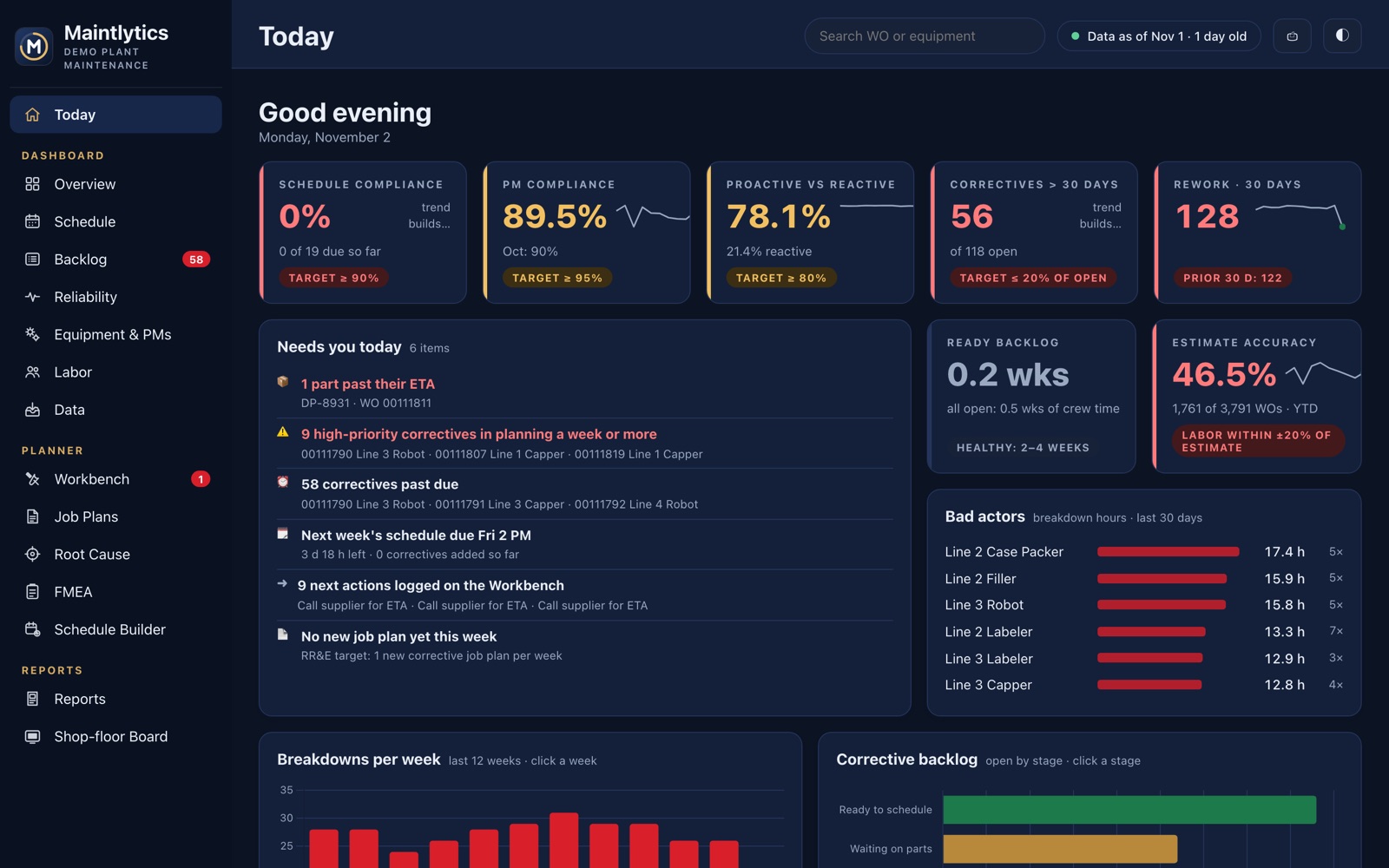
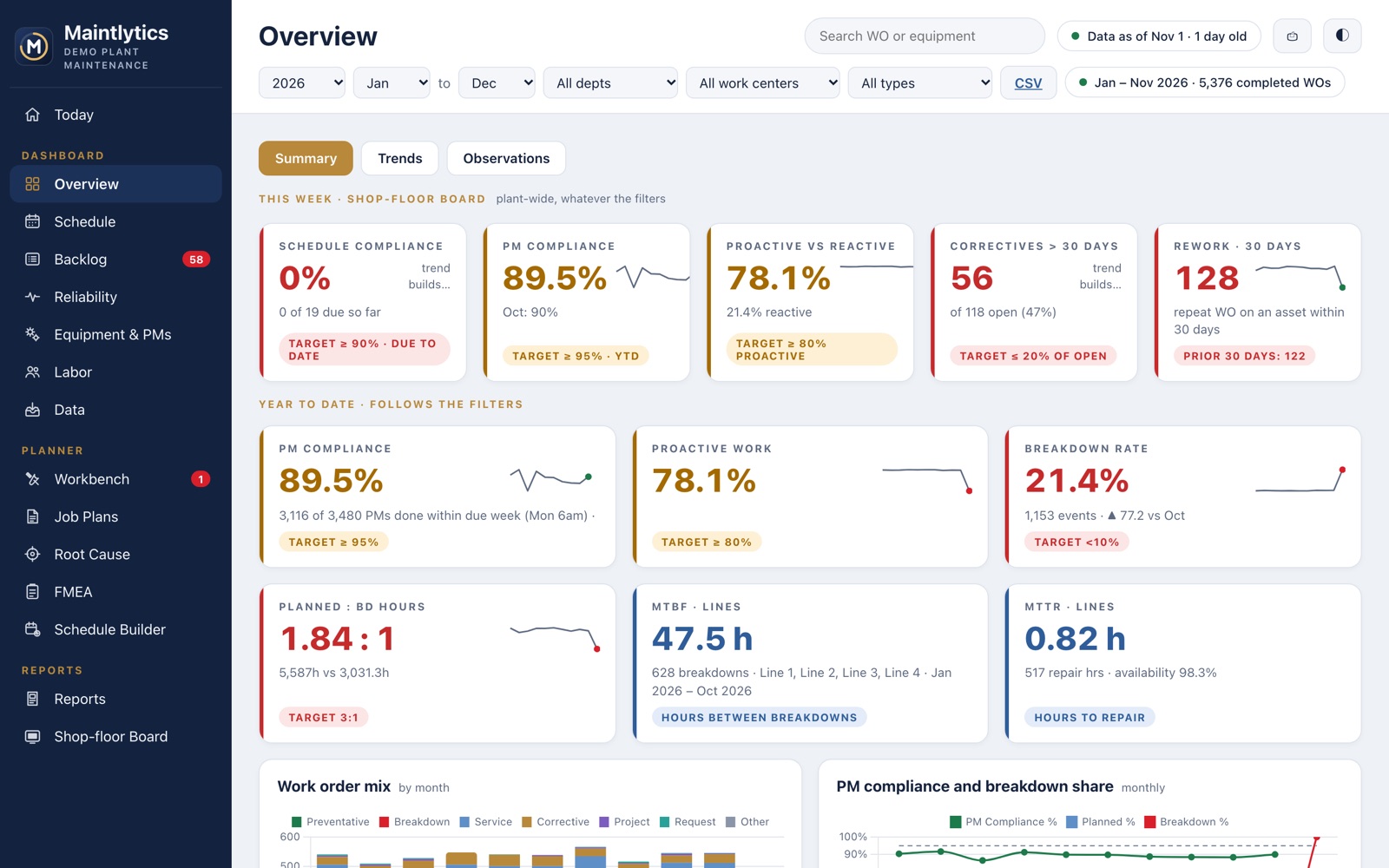
The KPIs leadership asks for — already checked.
Year to date and this week, with targets, trends and filters by department, work center and work-order type.
- PM compliance by due week, planned vs breakdown hours, MTBF and MTTR by line
- A plant-day that turns over at 6:30 am, so night-shift work lands on the right day
- Click any number for the work orders behind it
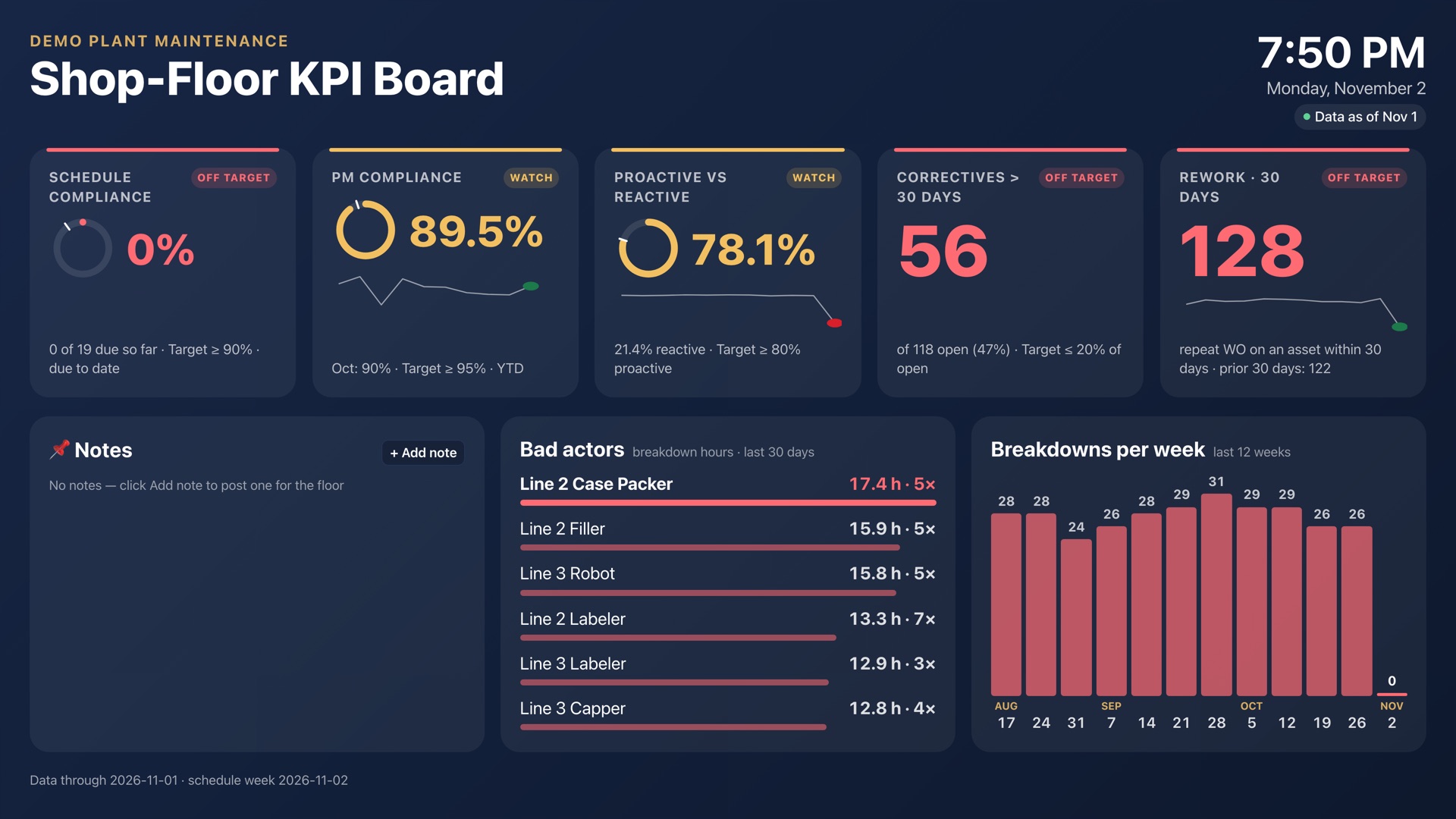
A TV board that fits any screen.
Open one address on the TV and walk away. It goes full screen, scales to the display and refreshes itself.
- KPI tiles, bad actors and breakdowns per week
- Notes for the crew
- Last week's board, as it closed Monday 6:30 am, ready to print
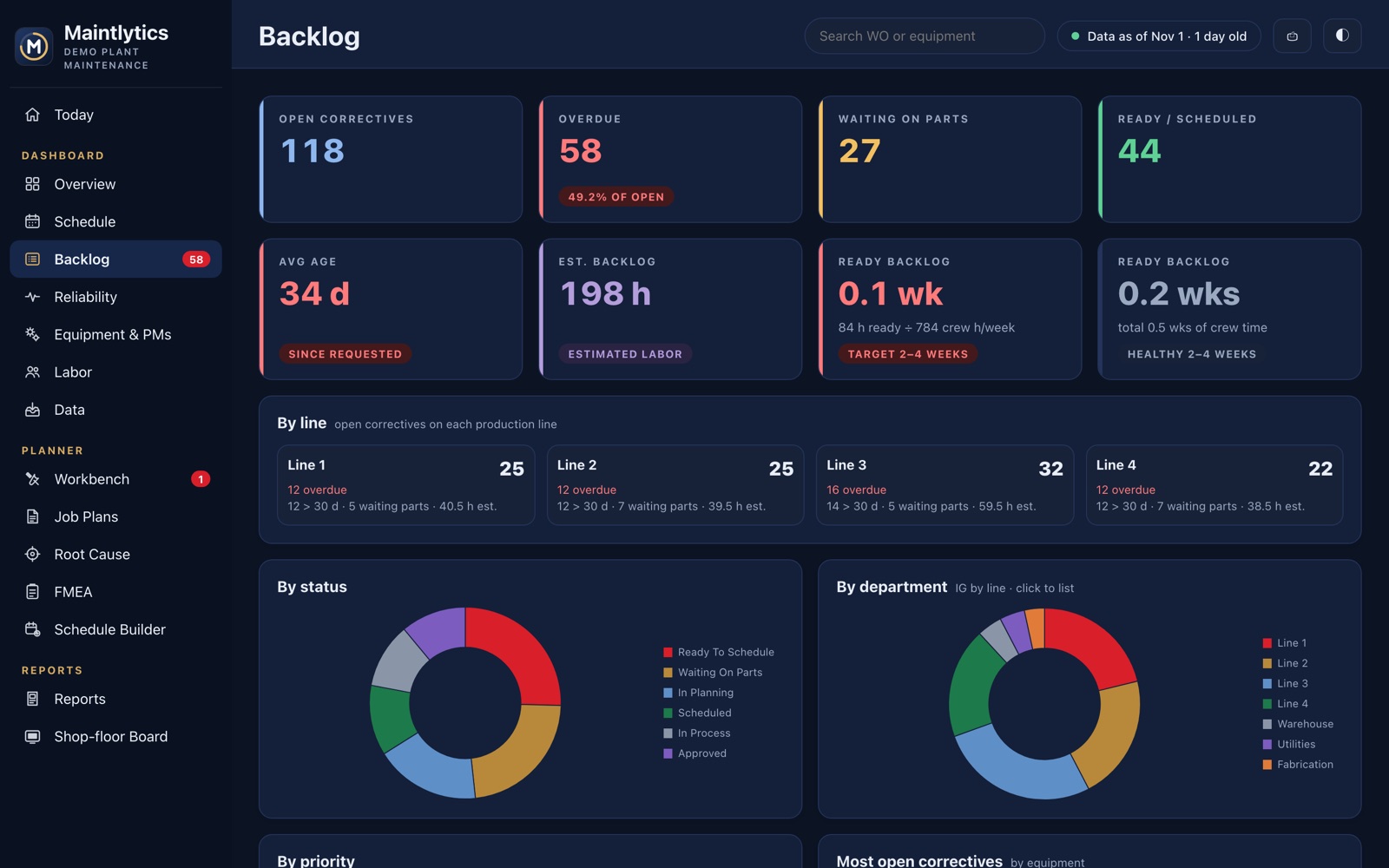
See the backlog before it sees you.
Ready backlog in crew-weeks, correctives past due, and where the work is waiting — by status, department, priority and line.
- Ready backlog against a healthy 2–4 weeks
- What changed since the last import
- Open correctives sorted the way you click
Where the breakdown hours really go.
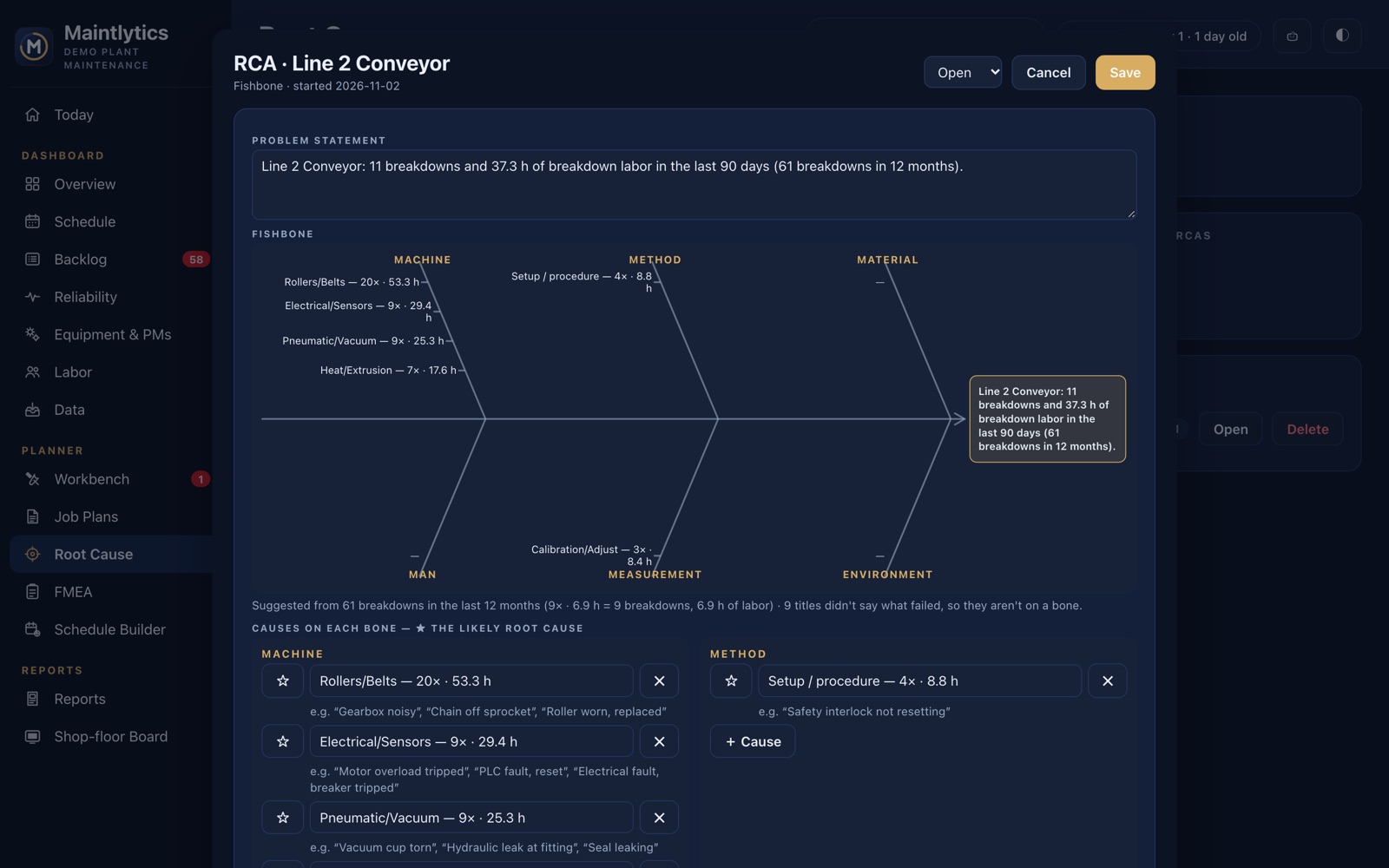
Bad actors, MTBF and MTTR by line, Pareto of labor and breakdowns, and a Weibull failure pattern for every machine with enough history.
- Wear-out vs random vs early failures — and what to do about each
- Machines whose breakdowns are coming closer together
- PM time standards and PM effectiveness
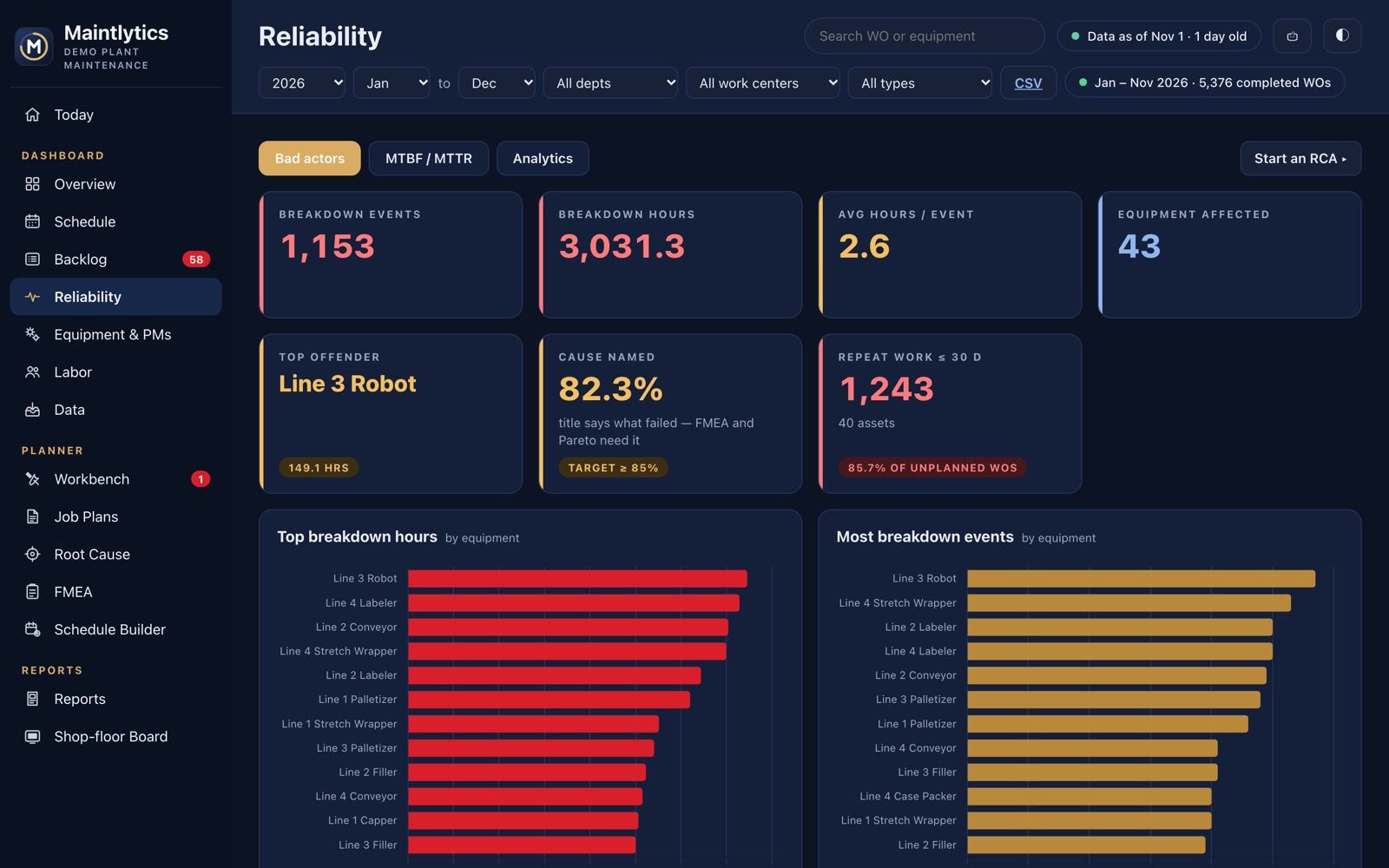
Every machine, every PM, and the gaps.
Load the CMMS equipment and PM lists and Maintlytics matches them to the work orders.
- Each PM's machines, last done and next due
- PM hours coming due each week against crew hours
- Machines that break down with no PM — by department and work center, with possible PMs that already exist
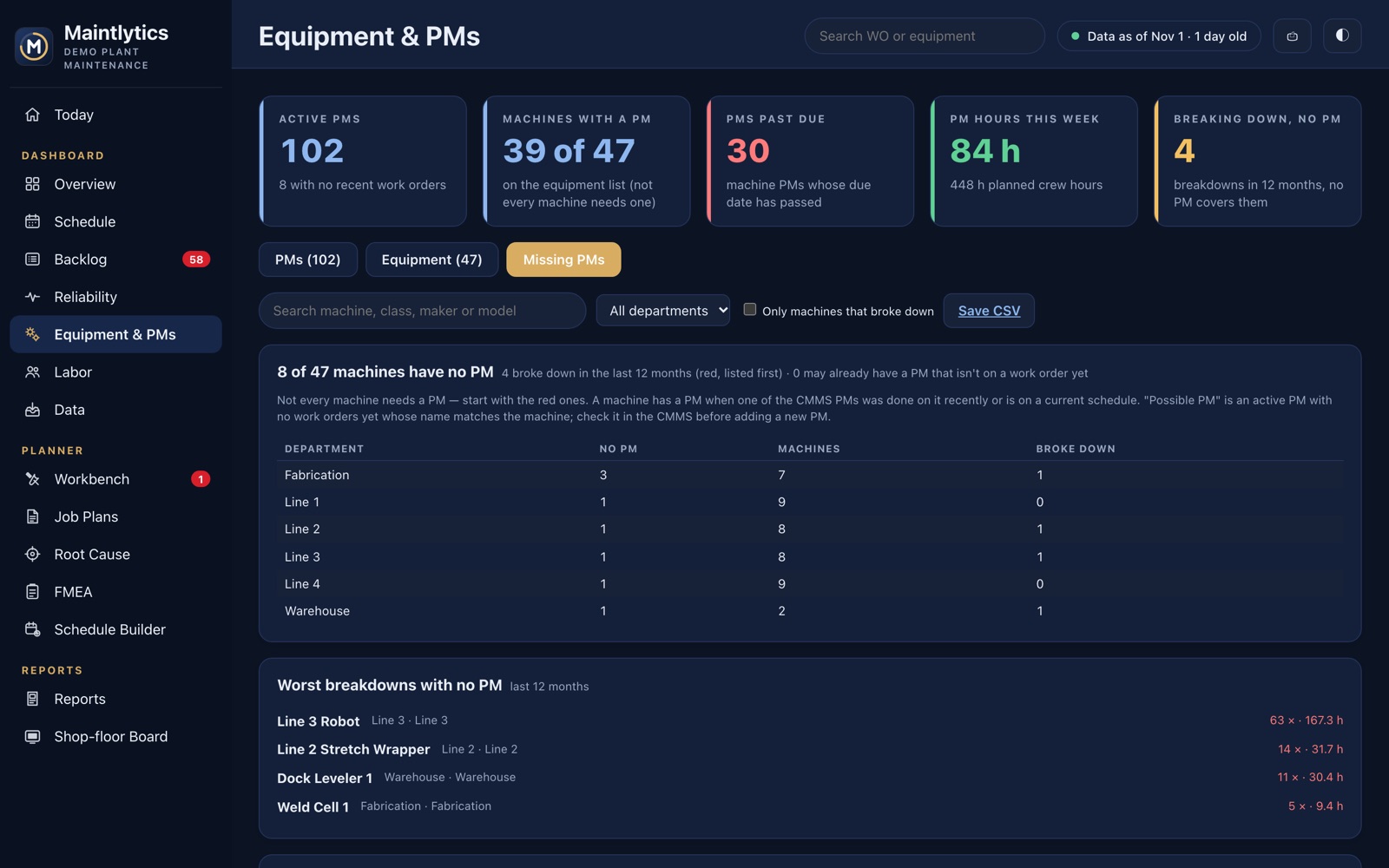
Plan the week in one place.
A Workbench for correctives from request to scheduled, and a Schedule Builder that fills the week by priority against each crew's hours.
- Parts, notes and status for each corrective, shared by the whole team
- Crew calendars, including rotating shifts
- Job plans written in your own Word layout — and your existing plans imported as they are
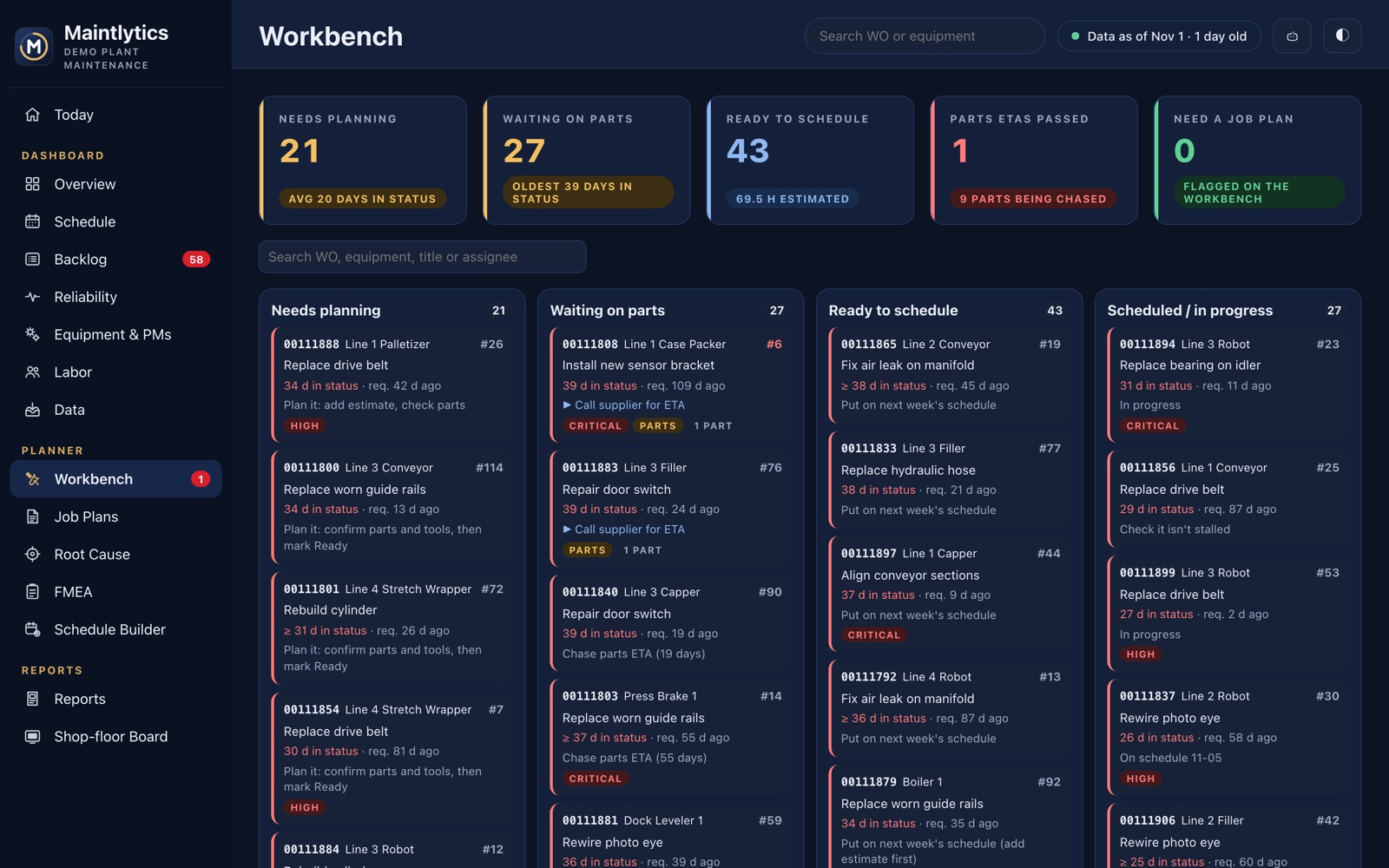
5 Whys, Fishbone and A3.
Start an analysis on a machine and it opens with the problem statement and breakdown history filled in. A Fishbone opens with its bones suggested from the last 12 months.
- Countermeasures with owners and due dates
- Breakdowns per month before and after — did it work?
- Optional AI drafting, checked on the floor before acting
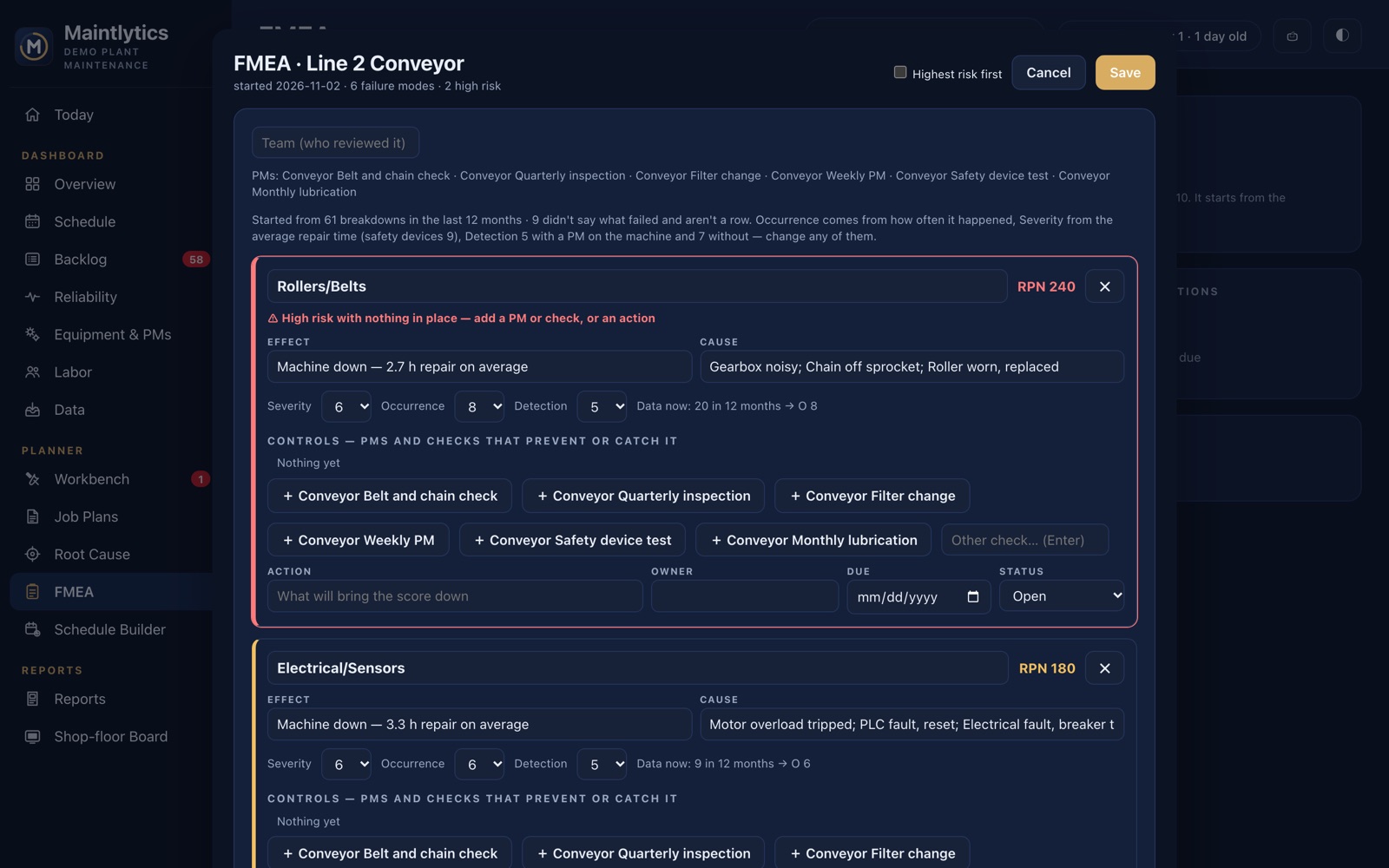
Risk scores from real counts.
An FMEA for each machine: failure modes started from its breakdowns, Severity × Occurrence × Detection, and the PMs that control each one.
- High-risk modes with nothing in place, flagged
- Actions with owners, and the score after they're done
- A Word copy for the binder
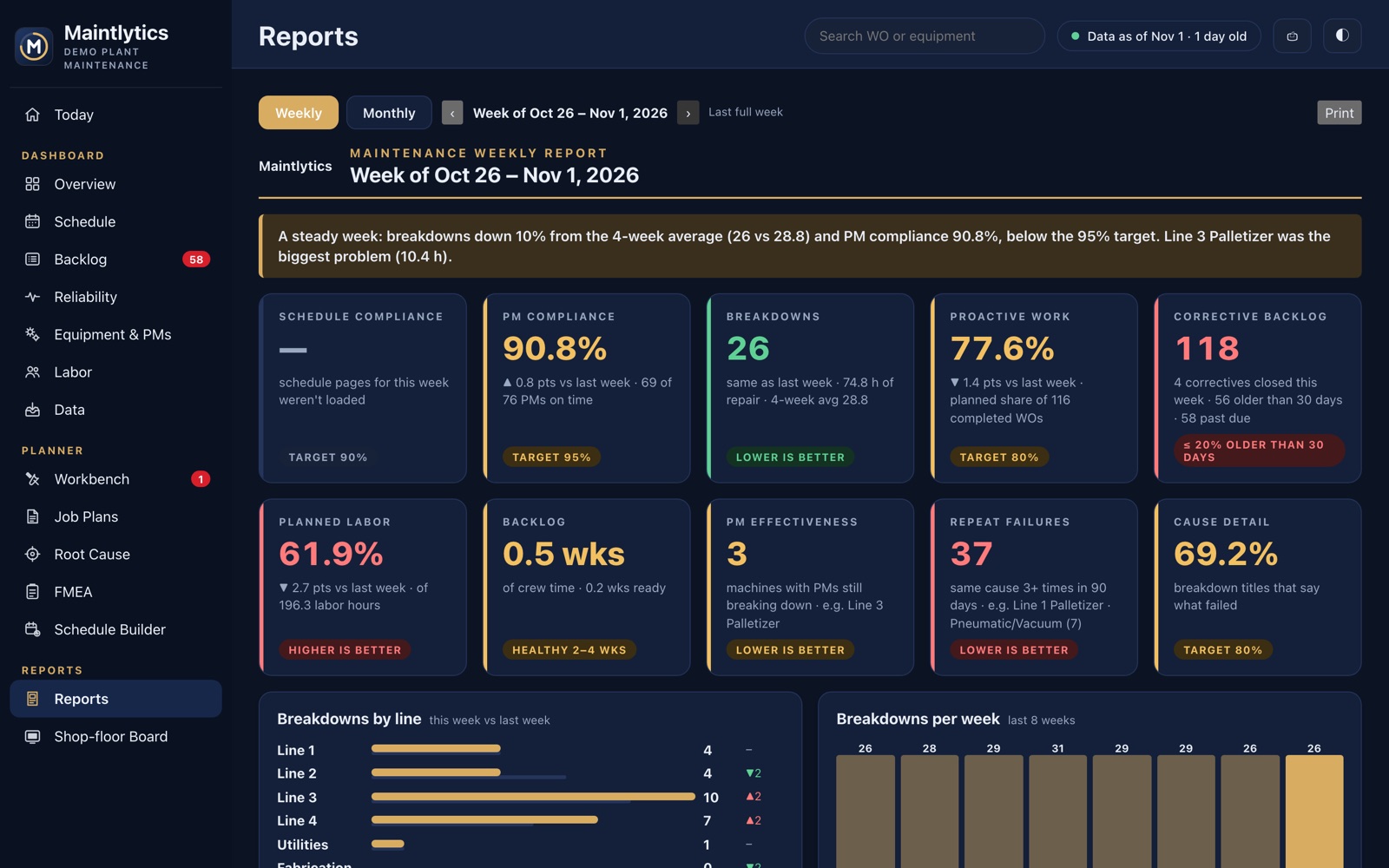
The weekly and monthly report, written for you.
A leadership report for any week or month with the headline numbers, what changed, and room for your notes — ready to print or share as a PDF.
- Week by week inside each month
- Labor by technician and department
- CSV exports of everything
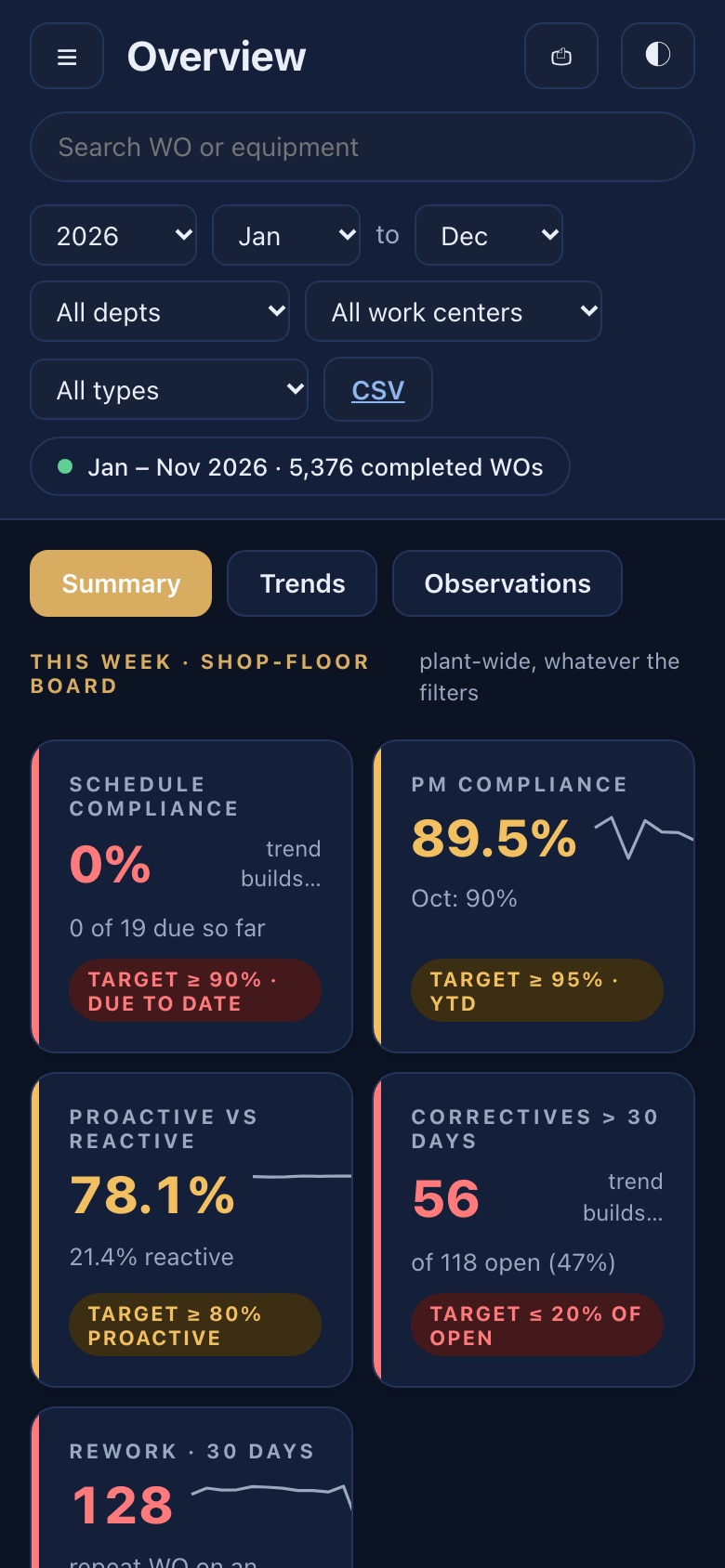
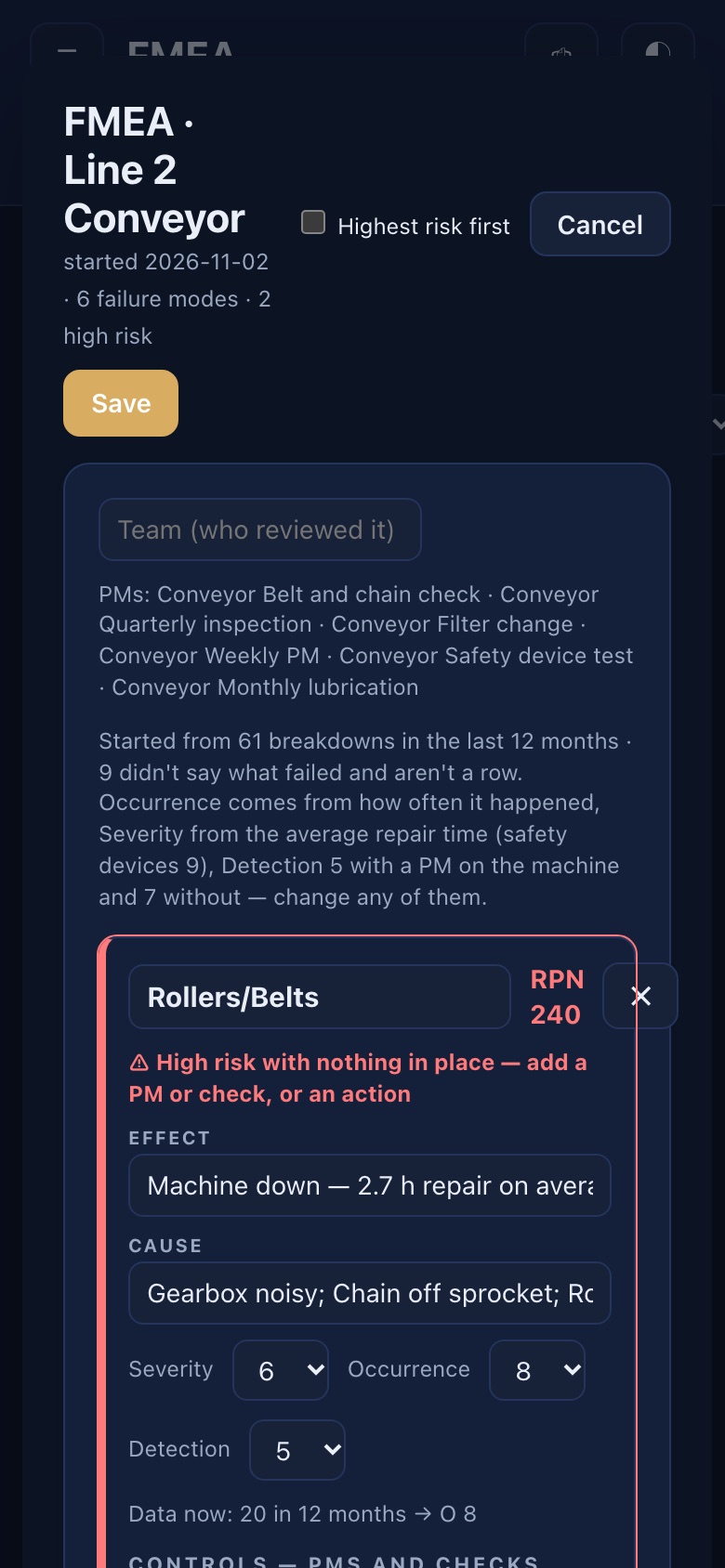
The whole app on iPhone and iPad.
Not a cut-down viewer: KPIs, the backlog, the planner, root cause and FMEA all work on a phone, with home-screen widgets.
- Syncs through your own iCloud account
- Works on the plant Wi-Fi without logging in to anything else
- Any browser on the plant network works too
Ask about the plant, out loud.
For plants that use Apple devices, Maintlytics works with Siri, Shortcuts and Apple Intelligence on iPhone and iPad, and with Siri on Apple Watch.
Siri, ready to go
No setup: “How's Line 2 in Maintlytics?”, “What's PM compliance in Maintlytics?”, “Worst machines in Maintlytics”, “Parts waiting in Maintlytics”, “Look up a work order in Maintlytics”.
Apple Intelligence
Ask anything in your own words. The question is understood on the device by Apple Intelligence; the numbers always come from Maintlytics' checked reports.
Apple Watch
Plant status, what's urgent, worst machines, late parts — from your wrist on the floor.
Shortcuts & automations
“Every Monday at 7, create the weekly report and email it” — the report comes back as a PDF any automation can send.
Siri and Apple Intelligence need a supported iPhone, iPad or Apple Watch. Everything else in Maintlytics works the same without them.
It tells you when the data is wrong.
Most dashboards chart whatever they're given. Maintlytics checks it first and shows you the records to fix in the CMMS.
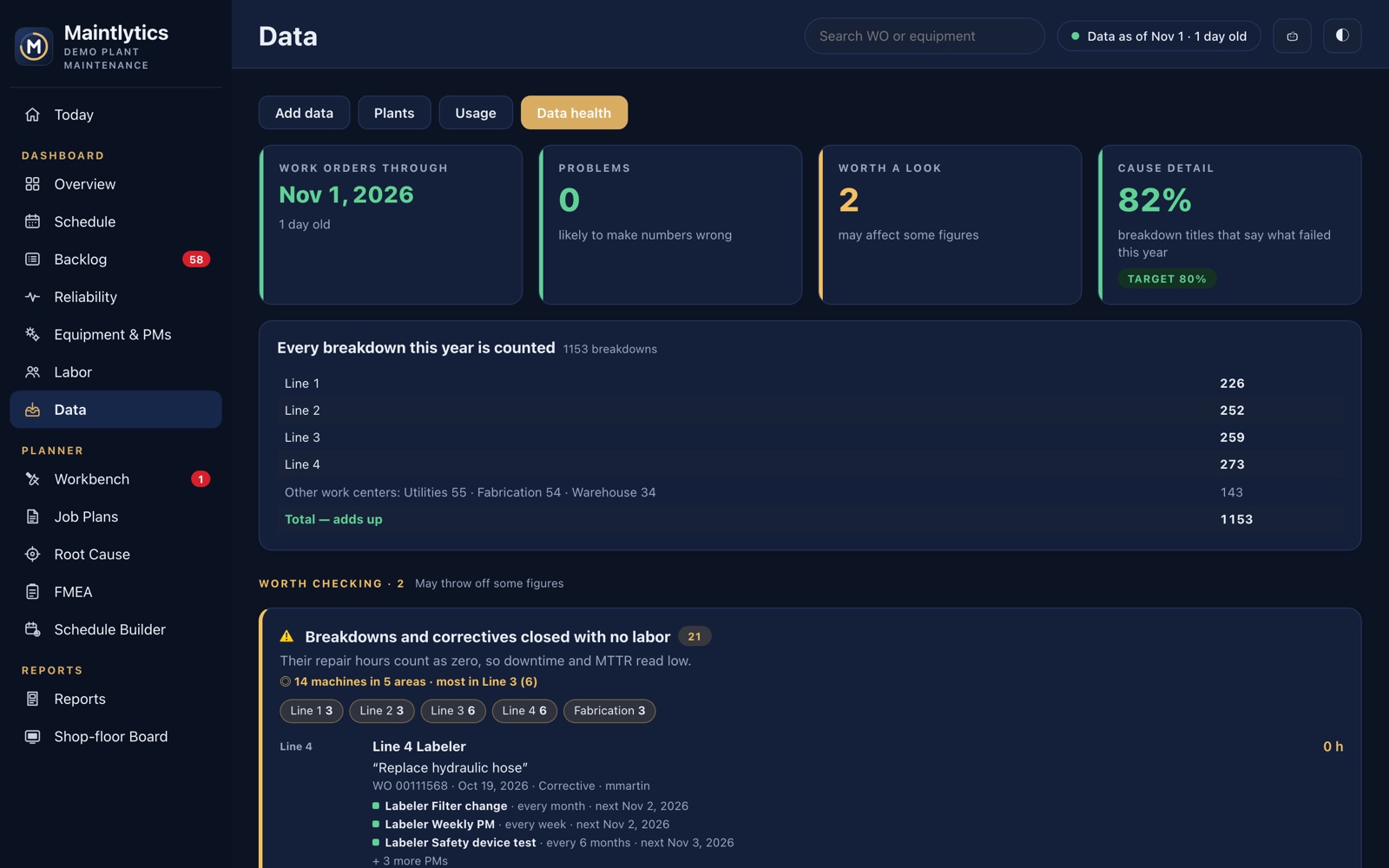
Labor that can't be right
Jobs over 12 hours, labor far over the estimate, breakdowns closed with no labor.
Double entries
The same machine, day and job under two work-order numbers.
Names that don't match
Machines not on the equipment list, with the closest match and a one-click fix.
Reports that disagree
MTBF pages against the work-order report, stale imports and short weeks.
See it with your own work orders.
Bring a week of CMMS exports to a 30-minute demo.